



Effective monitoring relies on effective, reliable equipment. Without routine equipment upkeep, you might be facing inconveniences in the field–equipment malfunctions, waiting on replacement parts or other unexpected obstacles–that could compromise your data and set you behind schedule. A little prep work now could save you a lot of headaches later. Follow these steps to prepare your equipment so you can collect reliable data without hiccups.
You don’t have to do it all. SME Monitoring service teams are ready to help. Send your instruments in today for complete product maintenance, factory calibration, repairs and more, to get a head start on field season.
Don’t get caught without consumables
Gathering the right supplies before you begin maintenance saves time and ensures the whole process goes smoothly. We recommend checking your stock of calibration standards and consumables between seasons and ordering any supplies that are low.
This might include
Taking inventory now not only makes preparation for the season easier, but means you’ll have the necessities on hand if you need to calibrate or maintain something mid-deployment.
Look twice, deploy once: inspect your equipment
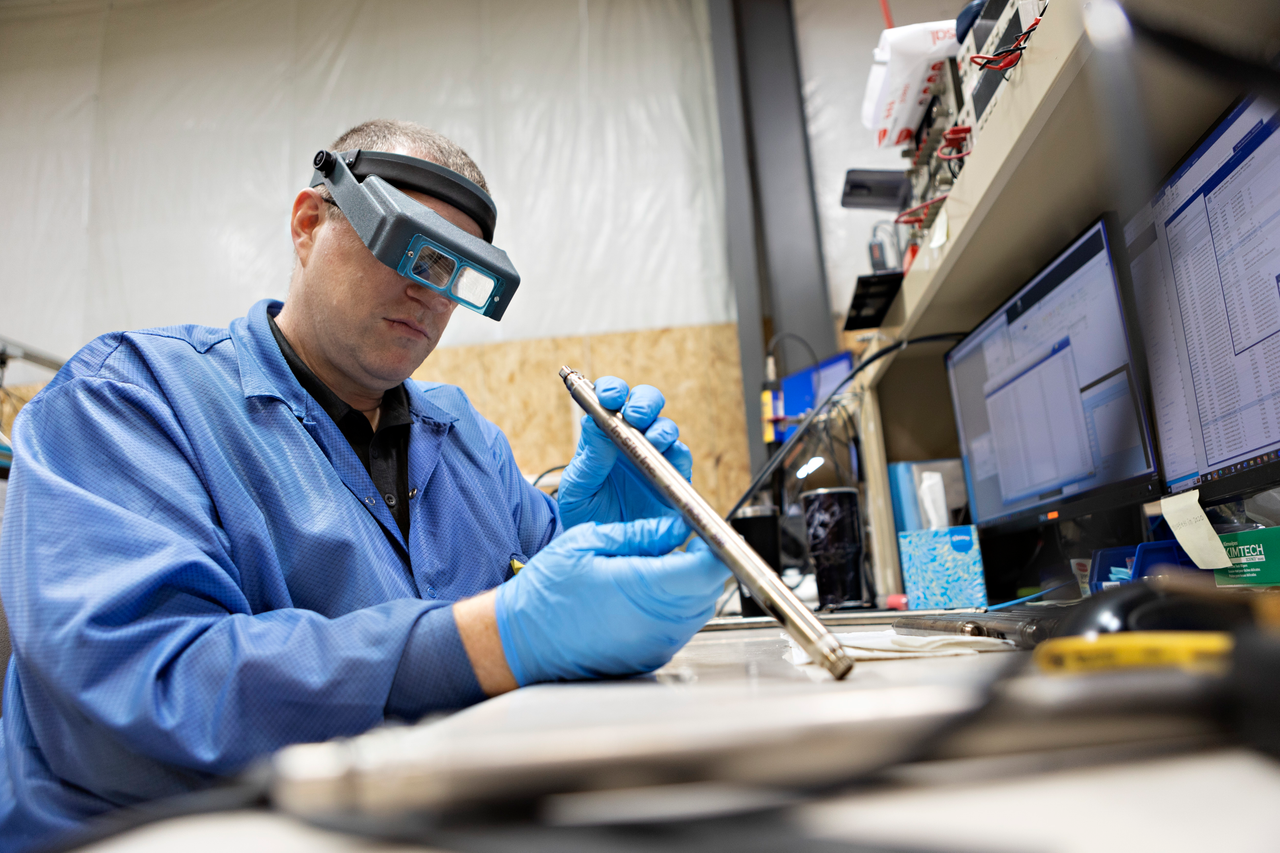
First, take a moment to physically inspect your instruments and sensors. And don’t forget to order any replacement parts or sensors if you discover something faulty.
- Is there corrosion or damage to cable connection points or pins?
- Is there corrosion or damage to the battery compartment on battery-powered instruments and telemetry devices?
- Is there any discoloration, scratches or residue on sensor faces?
- Were ISE sensors stored moist/wet? If not, your sensor is likely compromised.
- Are your ISEs older than six months? If so, they may be depleted and and need proper evaluation.
After physically evaluating instruments and sensors (and taking care of any maintenance needs that came up), perform routine maintenance to the instruments.
- Replace o-rings as needed. (This is recommended once a year for In-Situ instruments.)
- Grease o-rings.
- Replace desiccant as needed.
Avoid tech trouble with the latest updates
You don’t want to discover compatibility issues or a dead battery in the field. Make sure your software and firmware are up to date and communication devices and batteries are fully charged for a seamless deployment.
- Download the latest version of VuSitu to your mobile device or tablet. Log into HydroVu from the home screen to ensure all VuSitu data files are securely and automatically stored in the cloud.
- Charge all Wireless TROLL Coms.
- Replace batteries in all VuLinks.
- Replace batteries in all multiparameter sondes with internal logging capacity (Aqua TROLL 600s or 800s).
- Check that your HydroVu account is up and running. You can create a HydroVu account for free if you don’t already have one.
- Before heading out to the field, test out your sensors. In the comfort of your lab or office, connect to all sensors and ensure they have updated firmware.
- Verify that your instruments are powered up and communicating with VuSitu.
Confidence comes from calibration
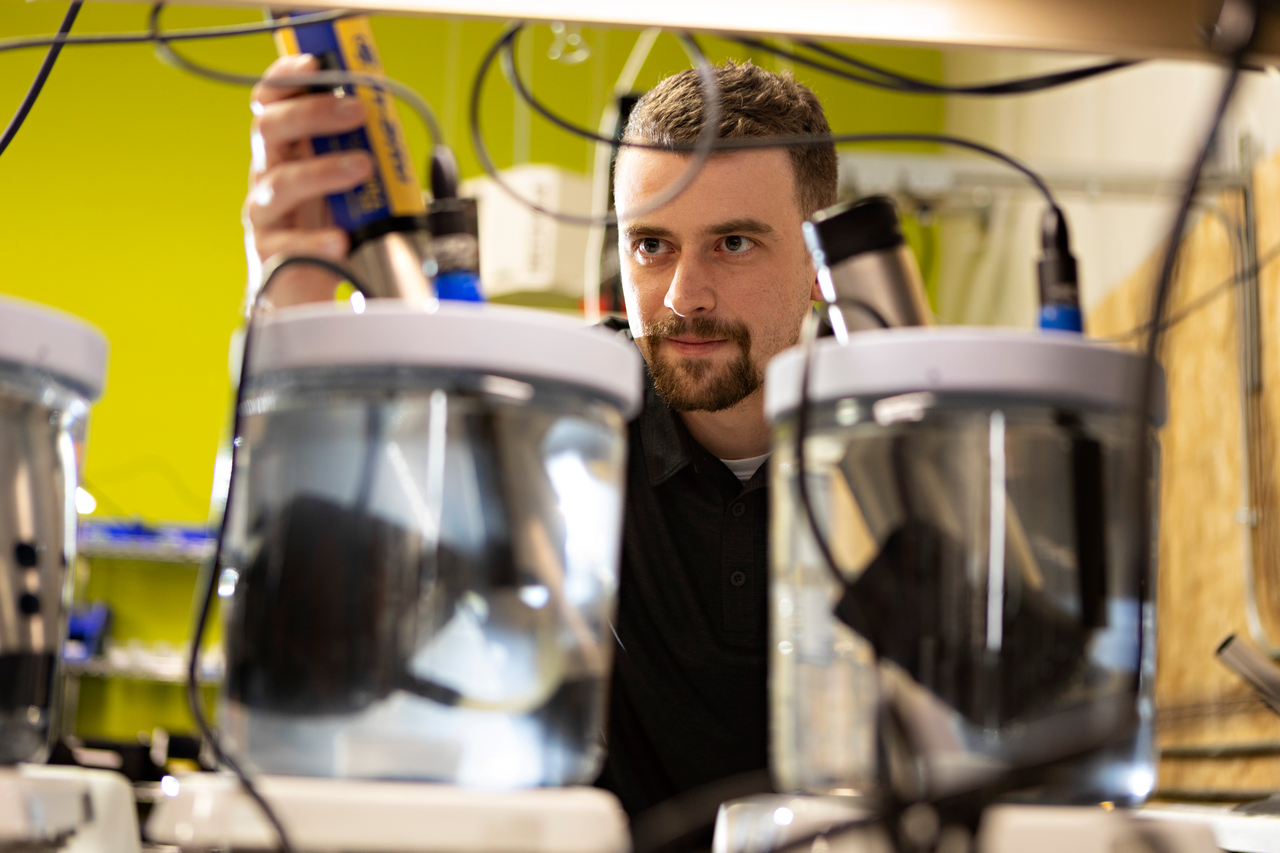
A well-calibrated sensor ensures accurate and reliable data.
- For best performance, soak the sensors in conductivity solution overnight to rehydrate the DO foil and conductivity pins. Now you’re ready to cal-check them in the lab.
- Cal-check all conductivity, temperature, DO and fluorometers. Submerge the sensors in a known solution and verify that the sensor is reading within the prescribed percentage criteria, close to the standard.
- If your sensors are reading outside of calibration criteria, the sensor should be calibrated. See the manufacturer’s guidelines to determine the acceptable range for each sensor.
- Replace the reference solution and junction of your pH and other ISE sensors.
- Calibrate any sensors that don’t read to standard during the cal-check. Use VuSitu to watch sensors stabilize, generate calibration reports and automatically save reports to your HydroVu account.
- To speed up the process and save on calibration solution, you can batch calibrate up to four sensors of the same parameter in an Aqua TROLL 500 or 600 and up to six sensors of the same parameter in an Aqua TROLL 700 or 800.
Check for success: test in the lab
Creating a mock deployment in the lab or office allows you to troubleshoot with easy access to all your supplies and saves you valuable time in the field.
Connect all instruments you plan to deploy long term to cables and telemetry and verify communication and data transmission. Program a test log to ensure everything is working as intended and check that HydroVu or another data management system is receiving the data.
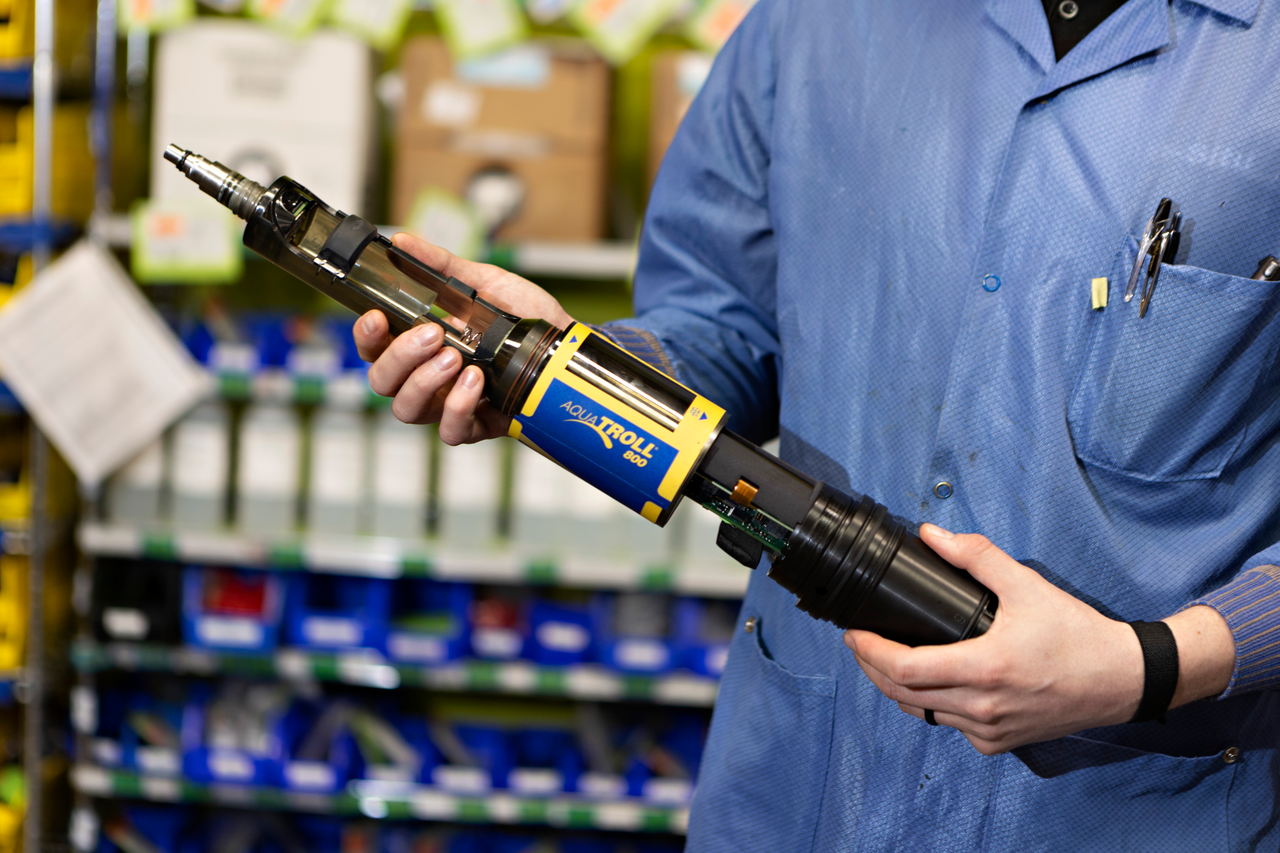
A successful monitoring season starts before deployment. Taking the time to properly inspect, calibrate and maintain your equipment, stock up on essential supplies, update software and firmware and ensure all devices are fully charged can prevent frustrating delays, extra repair costs and faulty data. So, before you head out to the field, double-check your equipment and follow your maintenance procedures–your future self will thank you!
A little preparation goes a long way, but if you’re pressed for time, have a large inventory or prefer relying on our experts to get your instruments ready, we’re always here to help. Our team is well-practiced at evaluating, maintaining and repairing equipment for optimal field performance and longevity. Contact us to learn more about our service and maintenance offerings.